



Generate unlimited presentations to build out every chapter of your curriculum.
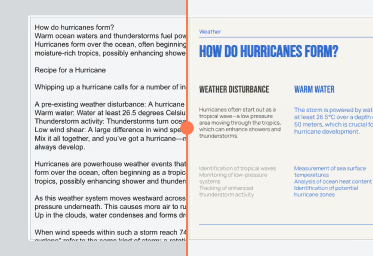
Or use Remix to transform your existing slides or text content.
Translate existing course materials in one click.
AI that works where you do


Everything you generate with Plus belongs to you forever.
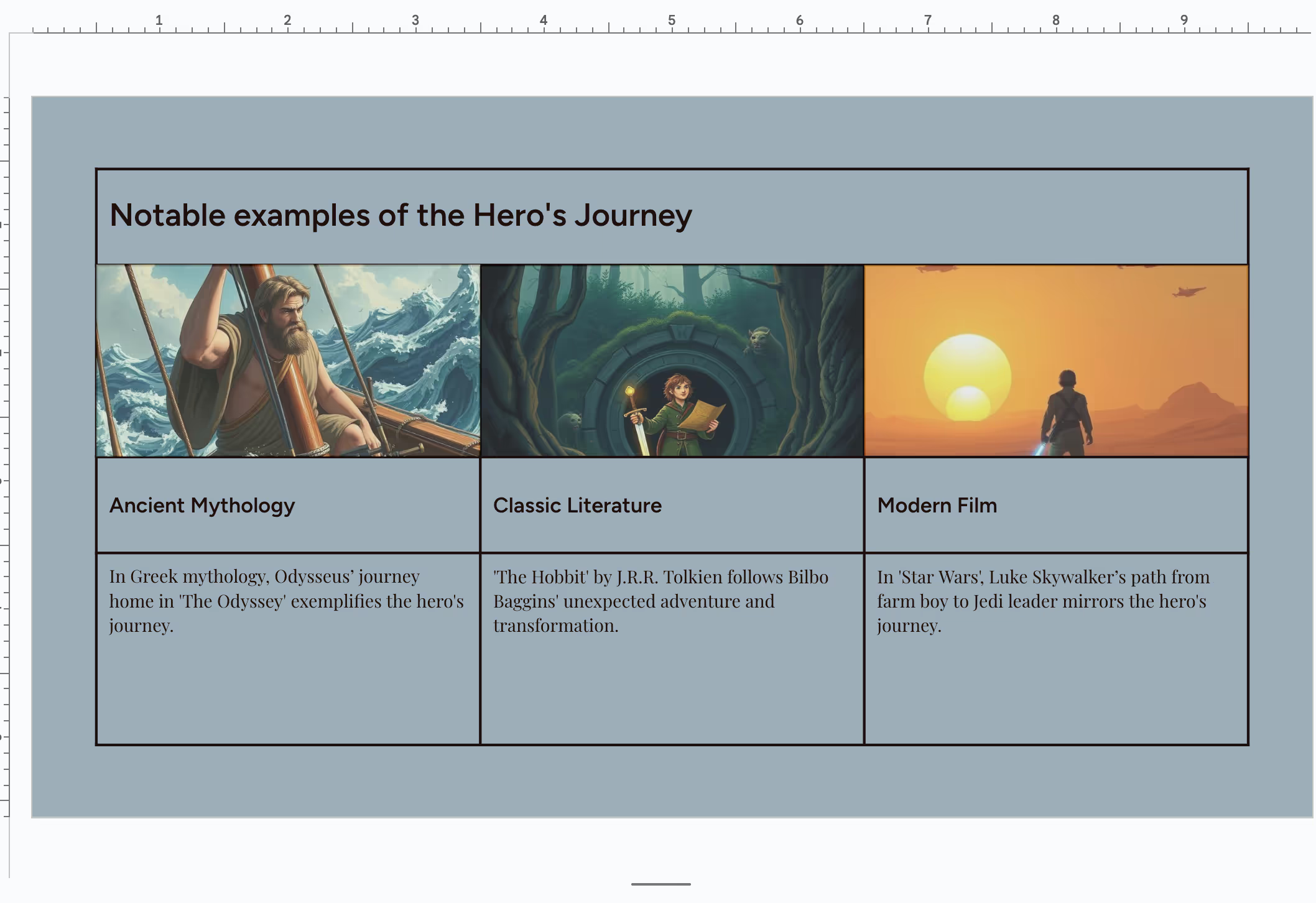

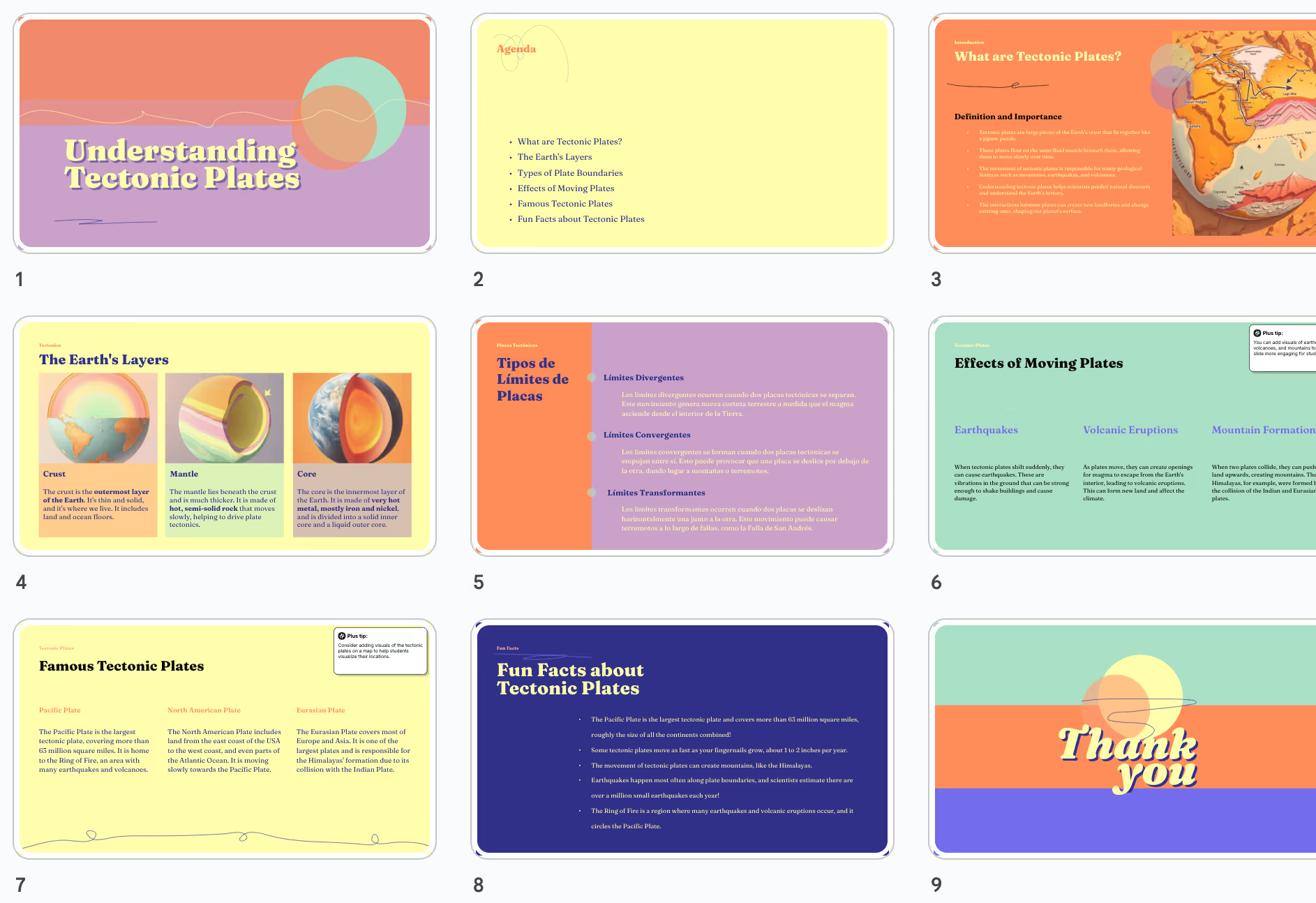

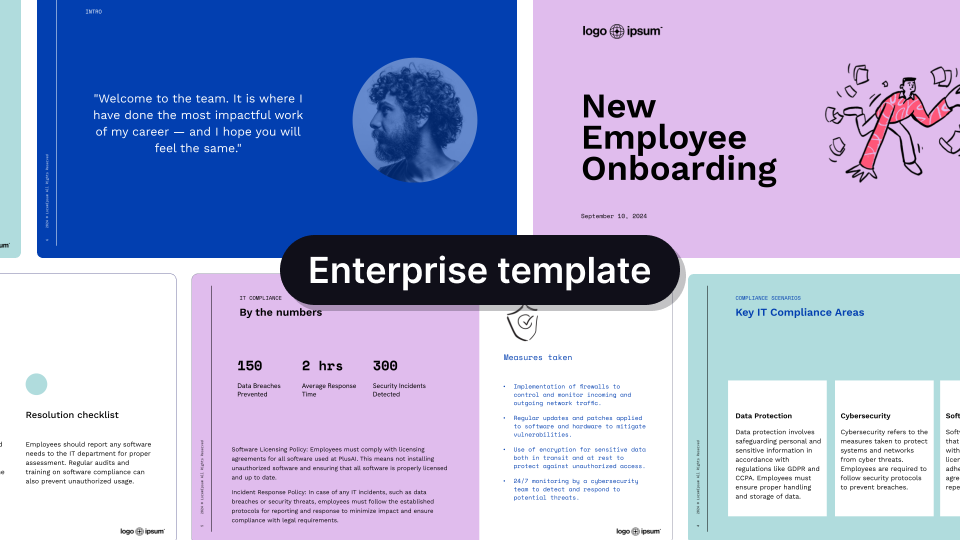
Professionally designed templates
Handcrafted designs, AI enabled.
.avif)
.avif)
.avif)


.avif)
.avif)
.avif)


.avif)
.avif)
.avif)
.png)


AI that helps you stay on brand
.png)


.png)

FAQs
How can I create slides for my online course?
Start with rough notes or an outline of your lesson, and Caktus AI will automatically convert your ideas into a presentation for you.
For longer courses, we recommend writing an outline for the full course and then using Caktus AI to generate the slides for each lecture.
Can I share the content I create with Caktus AI?
Yes! Caktus AI is a native add-on for PowerPoint and Google Slides, so when we create new slides for you, they are just regular slides. You can save them to your desktop or Google Drive and share them like regular slides.
Does Caktus AI allow me to create training videos?
Not yet. Right now, Plus only works to create slides. But we'd love to hear from you if you want to use Caktus AI to create training and onboarding videos. Shoot us an email or fill out this form.
Is Caktus AI free?
Caktus AI offers a free 7 day trial. We have multiple paid plans, and you can choose the one that best fits your needs.
Do I own the content that is created with Caktus AI?
Yes. You're free to sell and commercialize any of the content that is generated with Caktus AI.
Can Caktus AI create a course syllabus?
Yes, you can either generate a syllabus or course outline in Google Docs. You can also try creating it as a slide.
Is Caktus AI secure?
We follow enterprise-grade security practices and have achieved SOC 2 Type II compliance. You can read more about our security policies and procedures on our security page.