

Create with Caktus AI
.avif)

.avif)

.avif)

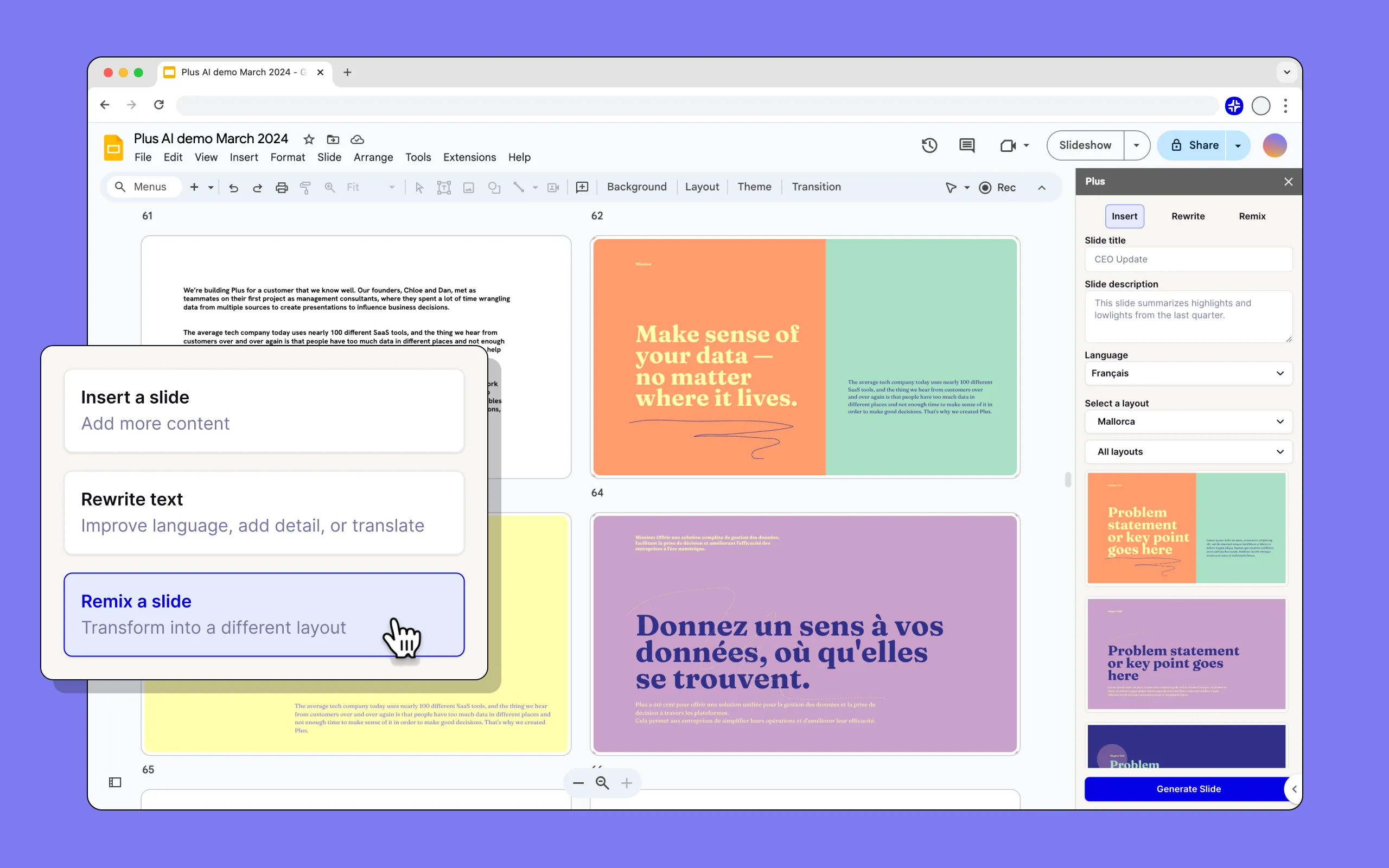
Work directly in Google Slides and PowerPoint


Edit with the help of AI


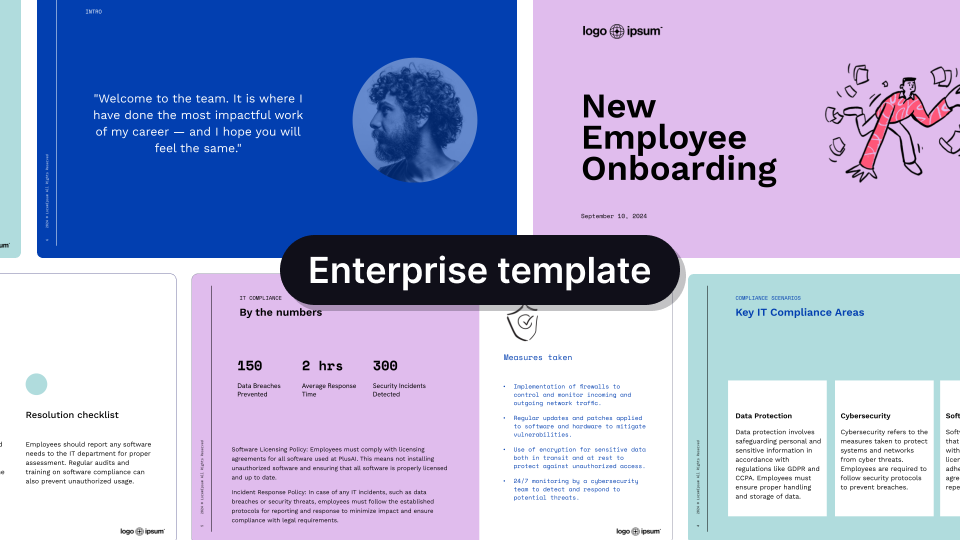
Beautiful templates to get you started
Handcrafted designs, AI enabled.
.avif)
.avif)
.avif)


.avif)
.avif)
.avif)


.avif)
.avif)
.avif)
.png)


Make it yours with custom branding
.png)

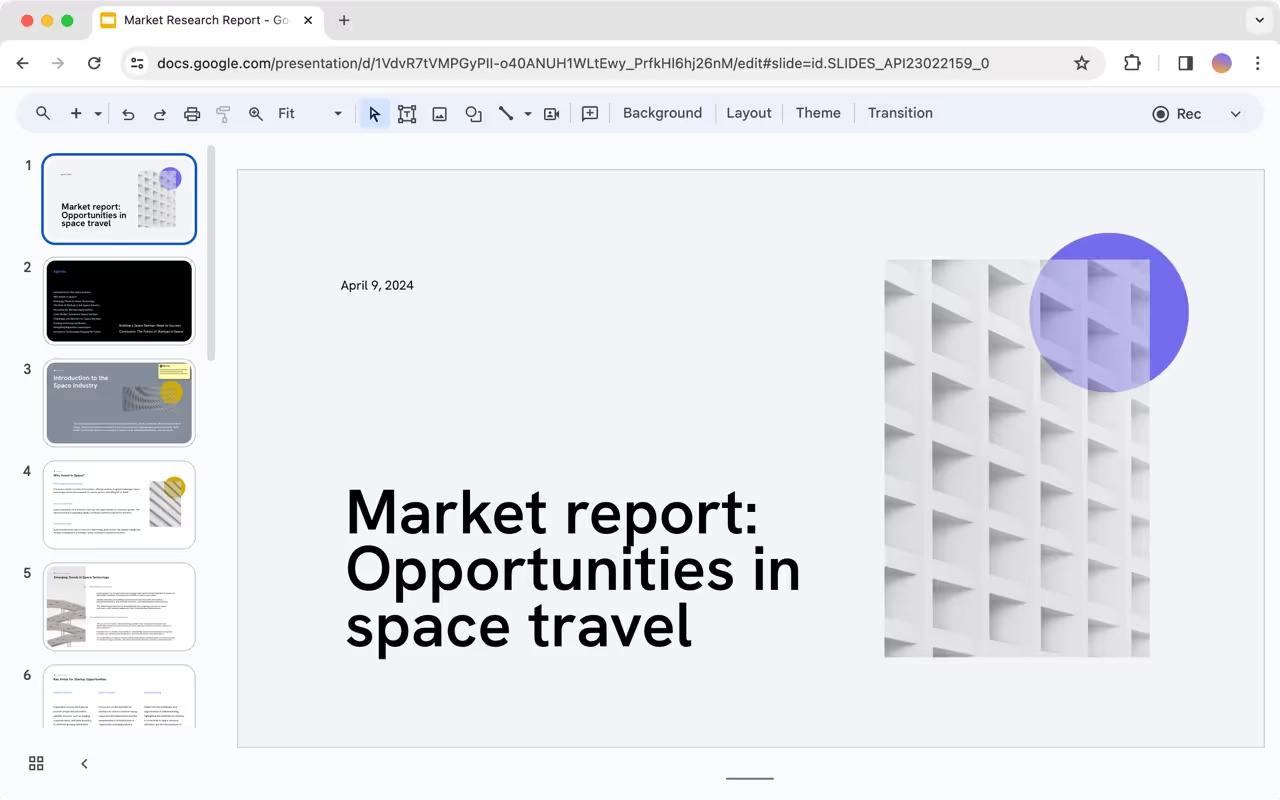
Get a sample AI presentation





.svg)













What our users say

Love this feature Great work👍


5/5 stars overall.


FAQs
How do I use the Caktus AI presentation maker?
Caktus AI is a native add-on for PowerPoint and Google Slides. To get started, sign up for a free trial and install our extension for your presentation app.
Is Caktus AI free?
Yes, you can try Caktus AI for 7 days for free. After that, we have multiple paid plans, and you can choose the one that best fits your needs.
Can Plus AI convert a PDF into a PowerPoint?
Caktus AI lets you upload PDFs, Word docs, text files, and many other document formats and automatically convert them into PowerPoint or Google Slides presentations - whichever one you need!
Can I use Caktus AI to create one slide at a time?
Yes, Plus is an AI slide maker that can create individual slides or entire presentations. Click the "Insert" tab in Plus to create one slide at a time using a prompt or longer piece of text like a blog post or article.
Can I use Caktus AI to format my existing slide decks?
Yes, you can use the "Remix" feature in Plus to reformat or convert existing slides into new formats and layouts using Caktus AI.
What is the best AI presentation maker?
Plus is the best AI presentation maker for customers who need to create professional slide decks.
Caktus AI helps you create and edit professionally-designed presentations, directly inside of PowerPoint and Google Slides, so you don't have to worry about compatibility or learning how to use a new app.
Additionally, Caktus AI creates the highest-quality AI presentations with hundreds of different slide designs and templates. Here are some examples of Caktus AI outputs compared to other AI presentation tools.
Can I use Caktus AI with PowerPoint?
Yes. Caktus AI works directly inside of PowerPoint, and you can try the Caktus AI PowerPoint Maker free for 7 days.
Can I use Caktus AI with Google Slides?
Yes. Caktus AI works directly inside of Google Slides, and you can use the Plus Google Slides AI free for 7 days.
How does security work for Caktus AI?
We follow enterprise-grade security practices and have achieved SOC 2 Type II compliance. You can read more about our security policies and procedures on our security page.