

Create slide decks with Caktus AI
.avif)

.avif)

.avif)

Work directly in Google Slides
Make it perfect, with AI editing tools


Beautiful templates to get you started
Handcrafted designs, AI enabled.
.avif)
.avif)
.avif)


.avif)
.avif)
.avif)


.avif)
.avif)
.avif)
.png)


Need a custom template?


Get a sample AI presentation





.svg)













What our users say


FAQs
How do I use Caktus AI for Google Slides?
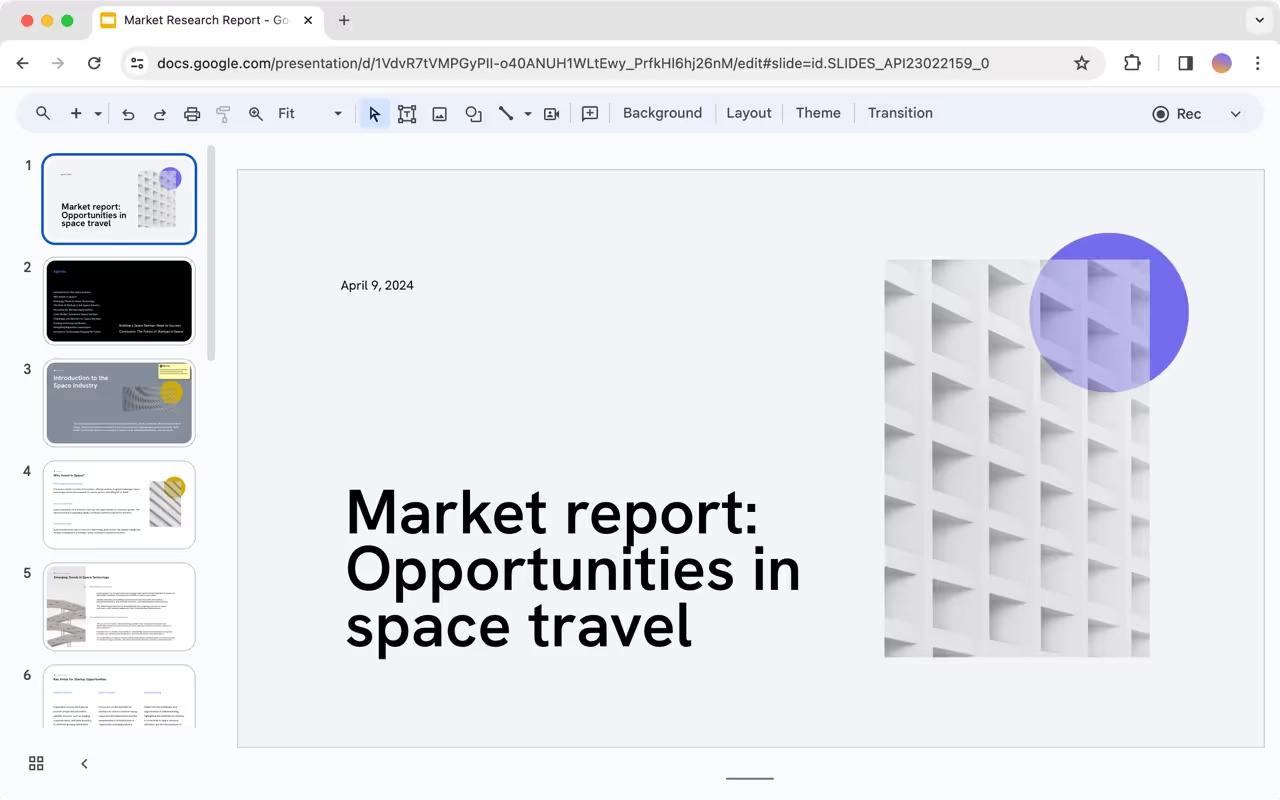
Install the Caktus AI add-on and then open a Google Slides presentation. From there, click Extensions → Caktus AI → New Presentation.
Is there a free Google Slides AI generator?
Yes! Caktus AI for Google Slides allows you to make presentations in Google Slides using AI. You can try Plus free for 7 days, and after that, you can choose a paid plan that meets your needs.
How can I use AI to make Google Slides?
Caktus AI allows you to create a new presentation by starting from a prompt or an existing document.
All you have to do is provide a short description of the presentation or a source document (like a PDF), and Caktus AI will generate an entire presentation in a few minutes.
How do I use AI in Google Docs?
Caktus AI is directly integrated into Google Docs, so you can use the same interface in both Google Slides and Google Docs.
To use Caktus AI, visit the Google Workspace Marketplace, and install the Caktus AI add-on.
Can I use Caktus AI to format existing Google Slides?
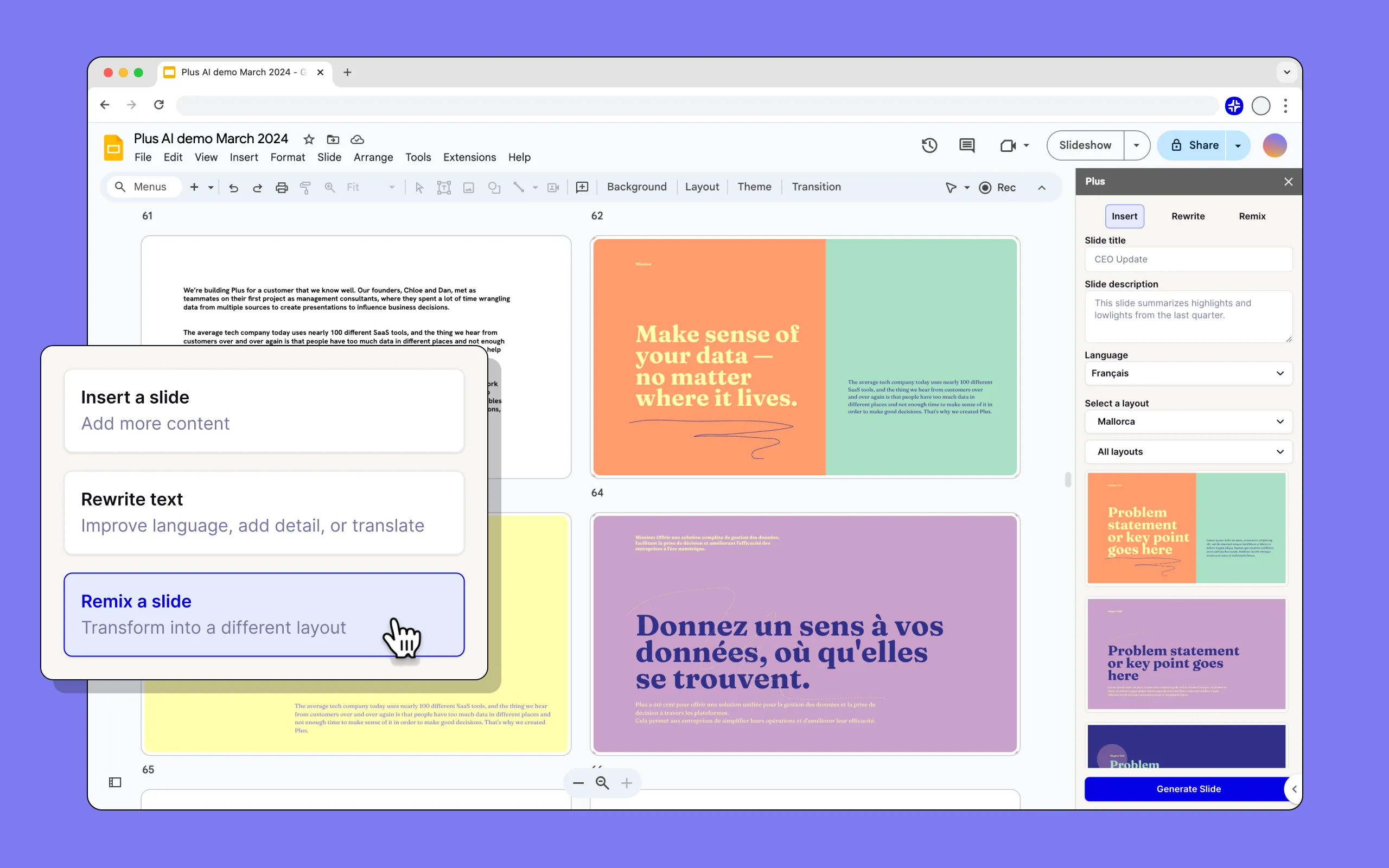
Yes, Caktus AI works with existing Google Slides presentations. You can insert new slides, rewrite existing slides, and use the Remix feature to convert existing slides into new formats and layouts.
What is the best Google Slides AI tool?
Caktus AI is the best Google Slides AI for users who want to build professional presentations in Google Slides. It is the only tool that creates well-designed AI presentations that are compatible with Google Sides.
You can compare Plus to other Google Slides AI presentation tools in this roundup or read our direct comparisons between Plus and other tools.
Can I use Caktus AI in other Google Workspace apps?
Yes. Your Caktus AI subscription allows you to use Caktus AI features in Google Slides, Google Docs, and PowerPoint as well.
Can I use Caktus AI with my team?
Yes. All Caktus AI presentations are standard Google Slides presentations, so you can collaborate and share slides like a normal presentation.
For added functionality, when you invite your team to the Caktus AI add-on, you can share themes and custom instructions to ensure your team uses AI to create presentations with a consistent look and feel.
Can I use a custom Google Slides template with Caktus AI?
Yes. If you have an existing Google Slides template, we can train Plus to work with custom templates for our Enterprise customers.
How does security work for Caktus AI?
We follow enterprise-grade security practices and have achieved SOC 2 Type II compliance. You can read more about our security policies and procedures on our security page.